
IPTV Buffering – 12 Proven Solutions (2026 SEO Guide)
Complete troubleshooting — speed, LAN, HW decoding, buffer, DNS and 8 more steps. Fixes 99% of buffering issues.

If your IPTV is buffering or stuttering — you're not alone. This is the most common complaint, and in 95% of cases there's a simple fix. This complete 2026 SEO guide delivers 12 proven solutions covering everything — internet speed, LAN cable, Hardware Decoder, DNS settings, and ISP throttling detection.
Why IPTV Beats Satellite and Classic TV (in 2026)
Before we dive into the details, let's understand why IPTV is the first choice for anyone living outside their home country in 2026. Traditional satellite dishes require physical installation, landlord permission and expensive monthly subscriptions — and often don't cover all home channels. Cable operators in Germany, Austria and Switzerland (Vodafone, Telekom, Magenta, Swisscom, Salt, Sunrise) offer only a handful of Balkan channels, with a 15–30€/month add-on.
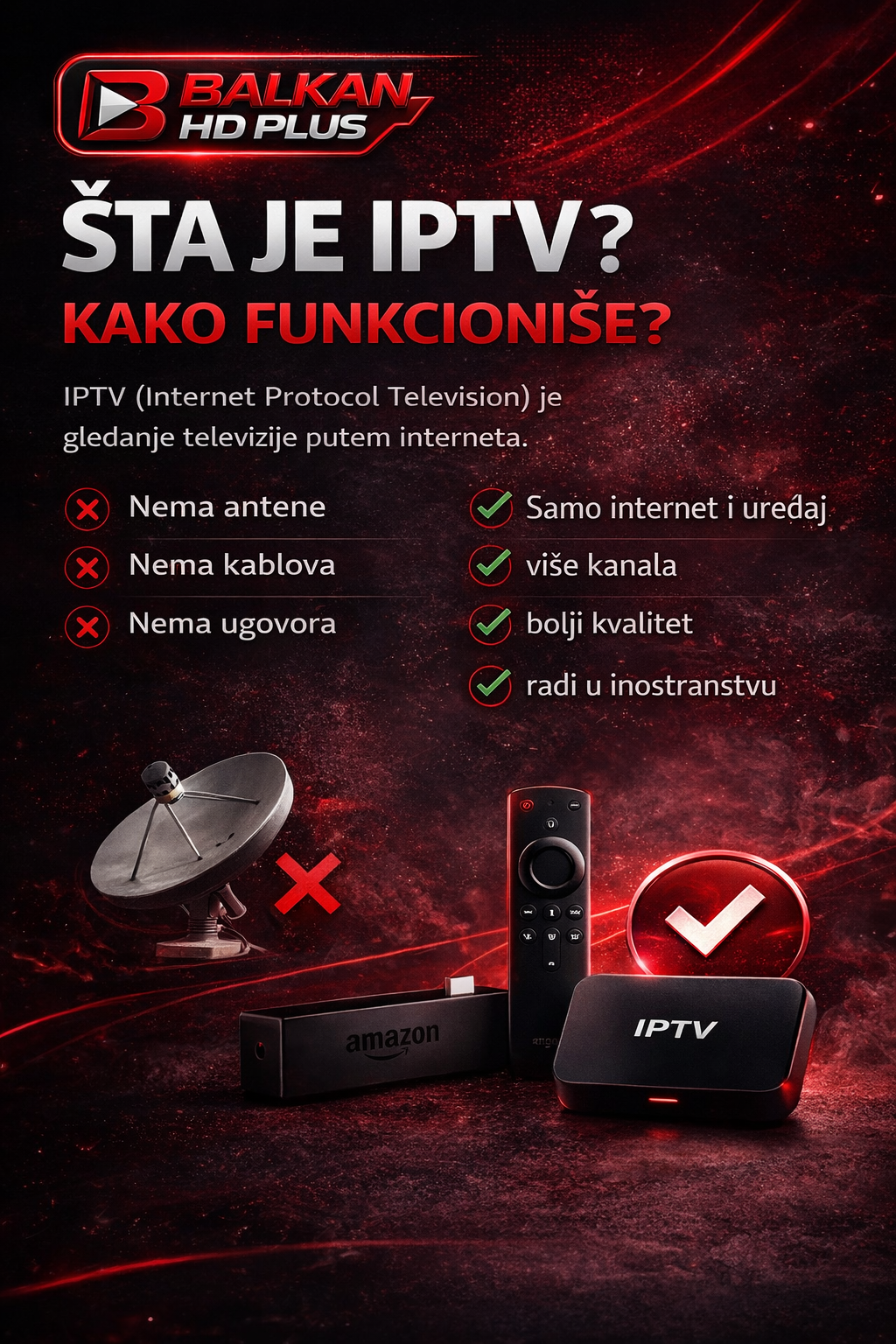
IPTV uses your existing internet connection — no extra hardware, no contract, no geographic limits. All you need is stable internet from 20 Mbps and a device like a Smart TV, Fire TV Stick or Android TV box. Result: 1,500+ channels (RTS, Pink, HRT, Nova, Arena Sport, Sport Klub, MEGA, N1, OBN and more) for under 10€/month or 100€/year.

The second huge advantage is flexibility. One account runs on every device — Smart TV at home, phone on the move, laptop in cafés, tablet in bed. Travel home for New Year? IPTV keeps working. Moving from Berlin to Munich, Vienna or Zurich? No technician, no cable, no stress.
The most common problem for all IPTV users is buffering — stuttering and freezing. In this guide we present 12 proven solutions covering 99% of all buffering issues.
1. Check your internet speed
Open speedtest.net:
- SD: 5–10 Mbps
- HD: 15–20 Mbps
- 4K: 25–50 Mbps
2. Use LAN cable instead of Wi-Fi
The biggest stability factor. LAN eliminates 80% of buffering problems.
3. Enable hardware decoding
In the app enable „Hardware Decoder“ or „HW+“. Offloads CPU.
4. Set buffer to Auto or 1 second
In player settings: Buffer → Auto or 1s.
5. Turn off other devices
If someone is torrenting or streaming Netflix 4K — your IPTV will buffer. Limit other devices.
6. Restart router (every 2 weeks)
30 seconds off, then on. Fixes 40% of unexplained issues.
7. Change IPTV player
If IPTV Smarters buffers — try Room IPTV, TiviMate or IBO Player.
8. Change DNS
Set DNS to 1.1.1.1 (Cloudflare) or 8.8.8.8 (Google).
9. Use 5GHz Wi-Fi
If LAN isn't an option — use 5GHz instead of 2.4GHz (5x faster).
10. Check ISP throttling
Some ISPs throttle streaming traffic in the evening. Test with VPN briefly.
11. Update app and firmware
Outdated firmware often causes buffering. Check for updates.
12. Contact support
If you've tried everything — message us on WhatsApp. 99% fixed in minutes.
Conclusion
99% of buffering is solved by the first 4 steps. More troubleshooting here.
5 Biggest IPTV Myths (and the Truth Behind Them)
Myth 1: „IPTV is illegal“
IPTV as a technology is completely legal — just a method of transmitting TV signals over internet. Used by official operators like MagentaTV, Sky Go, Zattoo, Waipu.tv and Swisscom Blue TV. Legality depends on content licenses — but for you as end user, watching IPTV is not punishable in Germany, Austria, Switzerland or any EU country.
Myth 2: „I need a VPN for IPTV“
In 99% of cases — no. Our service runs directly from Germany, Austria, Switzerland. VPN only slows down streams and adds failure points. For port blocks we fix it without VPN.
Myth 3: „IPTV is only for tech-savvy people“
Completely wrong. Activation takes 5 minutes, apps like IPTV Smarters Pro are simpler than Netflix. Our WhatsApp step-by-step instructions let even a 70-year-old grandma start IPTV by herself. See our tutorial library.
Myth 4: „IPTV always has bad quality“
Depends on provider. Cheap (3€) services use overloaded servers and have terrible picture. We use CDN infrastructure across Europe — picture quality equal or better than satellite, 4K on main channels.
Myth 5: „I need a Smart TV for IPTV“
No. With any TV with an HDMI port and a 40€ Fire TV Stick, you have IPTV. Smart TV makes things easier but isn't required.
How to Pay? (All Supported Payment Methods)
So anyone can start quickly, we support all major payment methods across Germany, Austria, Switzerland and the EU:
- Revolut — fastest option, activation in minutes. No SWIFT fees.
- SEPA bank transfer — standard European payment. Same or next business day.
- Twint (Switzerland only) — via Revolut integration.
- Western Union — for users without a bank account.
- Cryptocurrencies (BTC, USDT) — for private transactions, message us on WhatsApp.
After payment, send a screenshot on WhatsApp and within 5–15 minutes your account is active. On weekends or at night it may take a bit longer (up to an hour), but our support is active every day including Sundays and holidays.
Ready to start?
Test month only 6€ — no commitment, no risk.
How IPTV Works in Practice (4 Steps to Activation)

The complete process from decision to first channel takes under 15 minutes:
- Choose a package. Three options — test month for 6€ (if you've never tried IPTV), monthly for 10€ (no commitment) or yearly for 100€ (save 20€). More on our pricing page.
- Message us on WhatsApp. Number: +389 70 778 303. Tell us the package and the device you use (TV, Firestick, phone…).
- Pay and send proof. We accept Revolut, SEPA bank transfer, Twint and Western Union. Price stays the same.
- Access in minutes. Username, password and M3U/Xtream link come via WhatsApp. Enter into the app and watch.
Detailed device guides are in our tutorials library — covering Samsung, LG, Firestick, Android TV, iPhone and PC.
Quick Start: Your IPTV in 15 Minutes (or Less)
The whole process from decision to first channel takes under 15 minutes:
- Minute 0-2: message WhatsApp, tell us package + device
- Minute 2-5: pay (Revolut / SEPA / Twint)
- Minute 5-10: receive login
- Minute 10-15: enter in app and watch
It really is this fast — try it and see. Test month is 6€, risk smaller than a coffee.
Ready to start?
Test month only 6€ — no commitment, no risk.
Pro Tip: 7 Mistakes New IPTV Users Make (and How to Avoid Them)
From 10+ years of experience with thousands of customers — the most common mistakes:
- Mistake 1: Falling for „3€/month“ offers. 99% of such servers disappear in 6 months. Quality and stability matter, not rock-bottom price.
- Mistake 2: Using 2.4GHz Wi-Fi. 2.4GHz is overcrowded in cities. Switch to 5GHz or ideally LAN cable.
- Mistake 3: Outdated app. Old versions have known bugs. Turn on auto-update.
- Mistake 4: Wrong buffer setting. Beginners often set 5s — increases latency. Use Auto or 1s.
- Mistake 5: Ignoring EPG. EPG is free and turns IPTV into a modern experience. Always enable.
- Mistake 6: Not using hardware decoding. Enable Hardware Decoder (HW+) — reduces CPU load by 70%.
- Mistake 7: Account sharing. One subscription = one connection. Sharing causes drops and risks suspension.
Avoid these 7 mistakes and you'll have a great IPTV experience — even with budget devices like Firestick Lite.
What's Included in the BalkanHD+ Package (Details)
When you subscribe to our service, you get:
- 1,500+ channels from across the Balkans + Germany, Austria, Switzerland, Italy, Turkey, international
- VOD library with 10,000+ movies and series
- EPG (electronic TV guide) for next 7 days
- Catch-up on main channels (missed shows up to 7 days back)
- 4K stream on main Balkan and international channels
- 24/7 WhatsApp support in Serbian, German, English
- Access on all devices — Smart TV, Firestick, Android, iPhone, PC
Why BalkanHD+ (and Not Some Random IPTV Provider)?
Hundreds of IPTV providers exist — but 90% of them disappear in the first 6 months, take your money and leave you with an empty app. Check any forum or Reddit — that's the reality.
We are different. BalkanHD+ has been running since 2015 — that's 11 years of uninterrupted service. We have 10,000+ satisfied customers across Germany, Austria, Switzerland, Sweden, Netherlands, UK, USA, Canada and Australia. We don't offer the cheapest (3€/month — run away!). We offer stable, fast and transparent service.
Our direct support runs on WhatsApp 24/7 — no bots, no ticket system. You write in Serbian, German or English, a real person replies. More about us on our home page and FAQ.
Frequently Asked Questions (FAQ)
What if the picture stutters or buffers?
First test: speedtest.net on the same device. Minimum 20 Mbps for HD, 50 Mbps for 4K. Second step: switch from Wi-Fi to LAN cable — solves 80%. Third: enable Hardware Decoder in the app. Details: 12 solutions.
Do I need a VPN for IPTV?
In 99% of cases — no. Our service runs directly from Germany, Austria and Switzerland without blocks from Vodafone, Telekom, Magenta, A1, Swisscom or other ISPs. Rare port blocks we solve for you — no VPN cost.
How many devices can I use with IPTV?
One subscription = one simultaneous connection. You can install the app on Smart TV, phone, tablet, laptop and Firestick — but only one active at a time. For multiple connections, message us on WhatsApp.
Which apps can I use?
All popular IPTV apps work: IPTV Smarters Pro, TiviMate, Room IPTV, IBO Player Pro, Smart IPTV, SS IPTV. All tutorials.
How does payment and activation work?
Entire process via WhatsApp. Choose package, pay via Revolut, SEPA transfer, Twint or Western Union, send proof — access in minutes. Same price every method.
I'm traveling abroad — what should I do?
IPTV works anywhere you have internet. For frequent travel, message us in advance — we update your usage country per service rules.
Do you have 4K channels?
Yes. Main channels in 4K: RTS HD, HRT HD, Arena Sport 4K, Sport Klub 4K, Eurosport 4K. For stable 4K we recommend min 50 Mbps and LAN.
Are refunds possible?
After payment and activation, no refunds are possible. That's why we recommend the 6€ test month — to verify quality before committing. Details in our Terms of Service.
Conclusion: Test It and See for Yourself
Every day you delay — you miss channels, matches, a series that started. Our 6€ test month exists exactly for this — so you can verify risk-free our service works stably for you. 6€ is less than a cinema ticket and you get 30 days of full access.
Works for you — continue at 10€/month or 100€/year (save 20€). Doesn't work — nothing big lost. Message us on WhatsApp now and be a home-channel viewer by tonight.
Ready to start?
Test month only 6€ — no commitment, no risk.